Hi, first of all, thank you for providing this great software!
I’m currently testing it, but I keep running into an issue where the process gets stuck at a certain point.
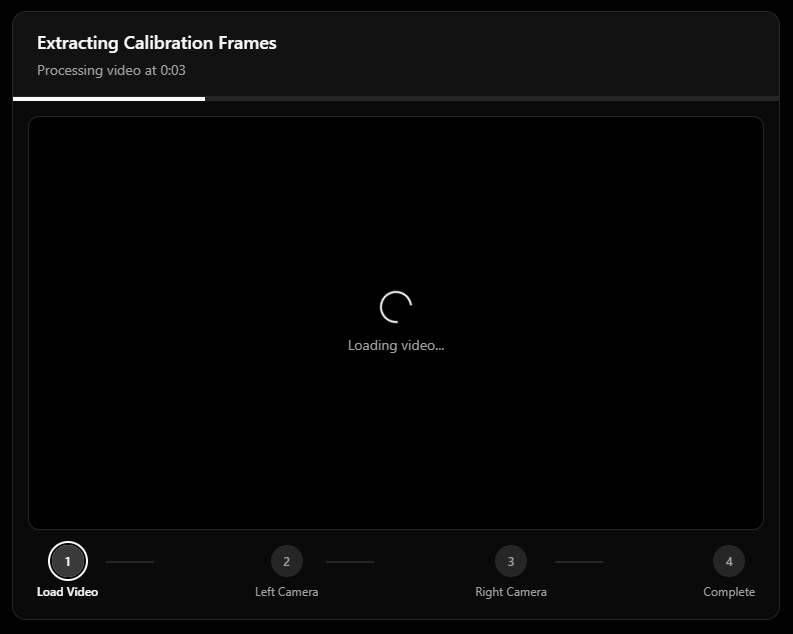
I’m using two ELP USB cameras (USBFHD01M-BL36) and recording videos in .avi format without audio. I suspect that the problem is related to the missing audio track, as I encounter an error at this stage.
Processing Failed Transcoding failed: Audio extraction failed: Command ‘[‘C:\\Users\\Marvin\\AppData\\Local\\VideoStitcher\\app-0.3.0\\resources\\dist_bundle\\bin\\ffmpeg.EXE’, ‘-y’, ‘-loglevel’, ‘error’, ‘-i’, ‘C:\\Programmierung\\FootballTracker\\KameraTest2\\left.avi’, ‘-vn’, ‘-ac’, ‘1’, ‘-ar’, ‘16000’, ‘-acodec’, ‘pcm_s16le’, ‘C:\\Users\\Marvin\\AppData\\Roaming\\video-stitcher\\backend_data\\temp\\match-1774442318842\\audio1.wav’]’ returned non-zero exit status 4294967274.
I tried adding a “fake” audio track using ffmpeg:
ffmpeg -f lavfi -i anullsrc -i right.avi -shortest -c:v copy -c:a pcm_s16le right-audio.avi
With this workaround, the error no longer appears. However, the process then gets stuck in the “extracting calibration frames” step.
I also tested around with multiple lens profiles but nothing really helps.
Thank you!
 Thanks for this quick response and fix.
 I’m really looking forward for your Version 2. The features sound very promising